Reesha
Product
Brand DNA · Voice & tone
Clear and practical
Connected accounts
Reesha’s calendar
Mon · 9:00 AM
Launch note
 Codex Scheduled
Social publishing for AI agents
Draft with the AI assistant you already use. Review, schedule, and publish for all your brands in one place.
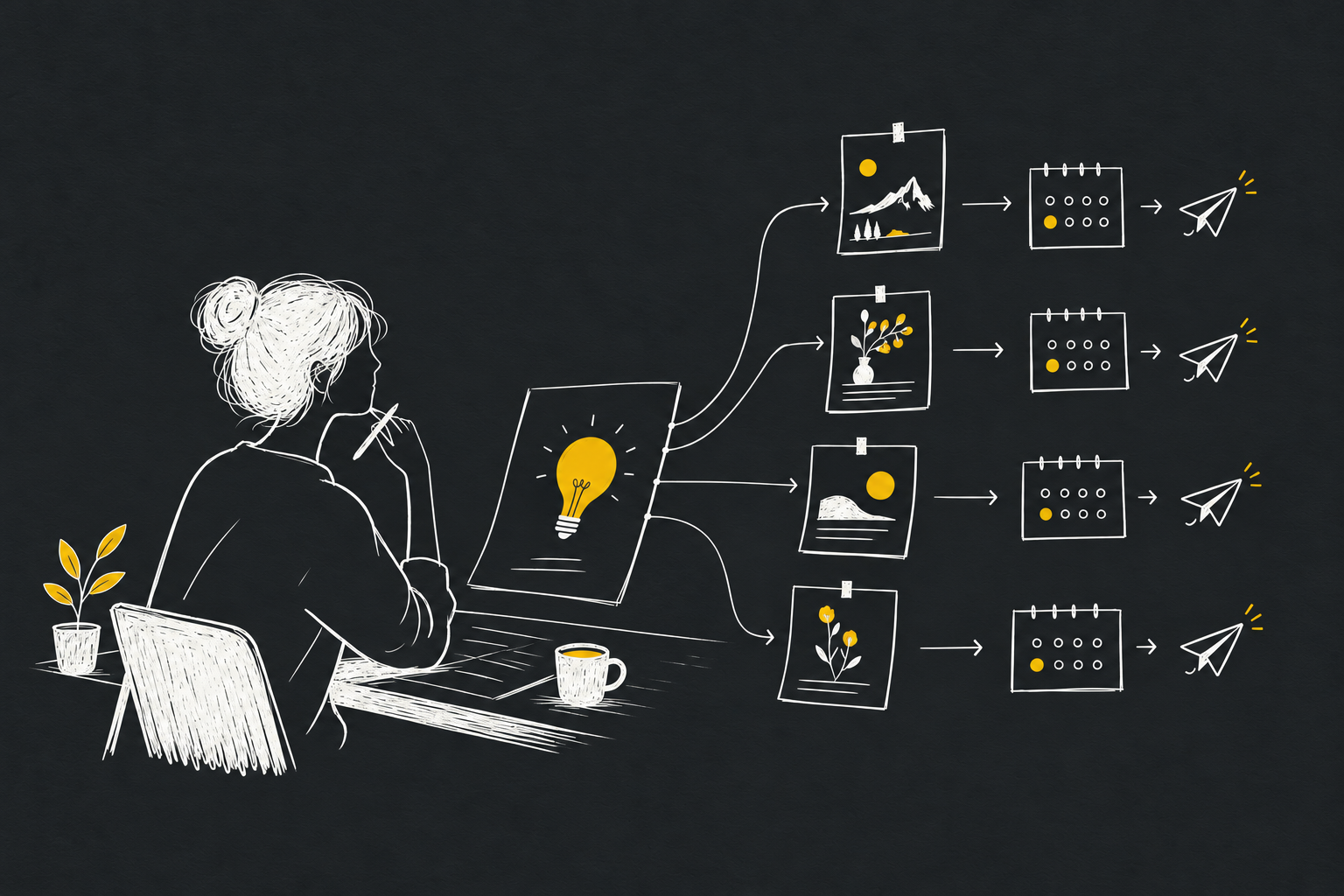
Watch an idea become a post.
Launch a post
01 / YOUR ASSISTANT

OpenClaw
Example conversation
Turn our Reesha launch note into a short Twitter post. Save a draft for review.
Connected through MCP
02 / REESHA

Create a draft
posts_createYour workspace key
PUBLISHING CHANNELS
YOUR POST IN REESHA
DraftMeet Reesha, the social publishing workspace for your AI assistant. Create a draft from a conversation, edit it here, and choose when to publish.
Illustrative demo. These examples do not connect an account or publish a post.
Publish and schedule to Twitter, LinkedIn personal profiles, Mastodon, and Bluesky. Facebook Pages, Instagram and Threads are awaiting Meta approval. LinkedIn Pages and Twitter Articles are not available.
Codex Claude OpenClaw
 Hermes Any MCP client
YOUR BRANDS
Keep each brand’s accounts, drafts, and schedule together. Give every brand its own voice and tone with Brand DNA.
Studio workspace
3 brands · Shared credit wallet
One MCP connection
Your assistant connects to this workspace.
Product
Brand DNA · Voice & tone
Clear and practical
Connected accounts
Reesha’s calendar
Mon · 9:00 AM
Codex ScheduledCreative studio
Brand DNA · Voice & tone
Confident and expressive
Connected accounts
North Studio’s calendar
Tue · 12:30 PM
Claude ScheduledPersonal brand
Brand DNA · Voice & tone
Warm and reflective
Connected accounts
Field Notes’s calendar
Wed · 5:00 PM
 Hermes Scheduled
Give each assistant its own key. Revoke one without disconnecting the others.
One MCP connection can reach the brands you have access to. Name the brand in your request.
Agent drafts and scheduled posts appear in the editor and calendar you use.
THE CONNECTION
Use Codex, Claude, OpenClaw, Hermes, or any MCP client. One connection lets your assistant work across the brands you have access to.
Connect its social accounts. Add more brands in the same workspace as you need them.
Give each assistant a key for your workspace. You can revoke it at any time.
Add Reesha’s MCP URL and the key in your assistant’s settings.
Name the brand and platform in your request. Review the draft in Reesha before scheduling or publishing.
Find your key in workspace settings under API keys.
BRAND DNA
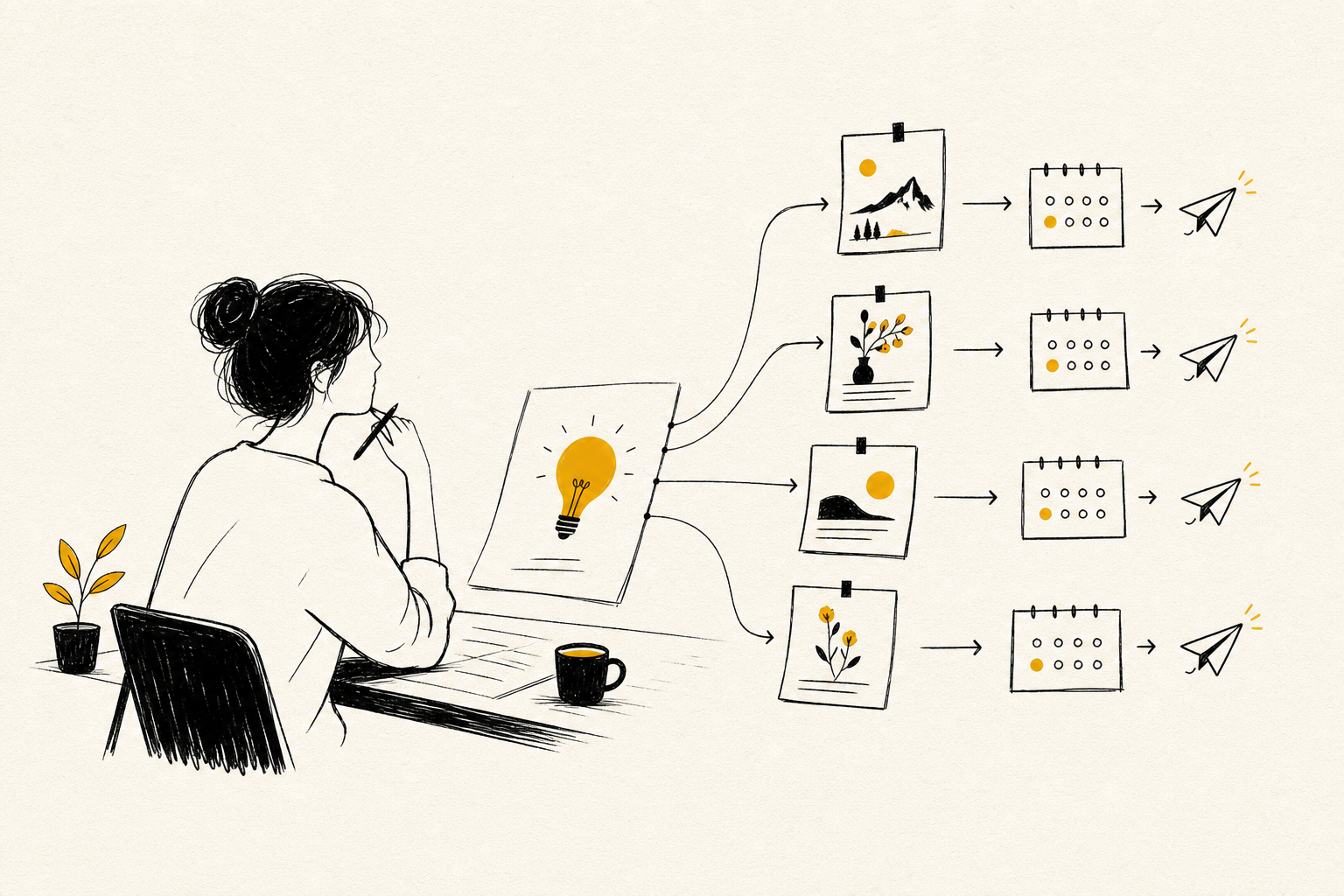
Define each brand’s voice, tone, audience, and writing rules in Brand DNA. Reesha uses your saved profile for AI rewrites and variations. Review the final words before publishing.
Set a separate voice for each brand
Adapt one idea for each platform
Review every draft before publishing
Pay as you go · powered by Paddle
Drafting is free. Every $1 adds 100 credits through a manual top-up, starting at $5. Publishing uses a 1-credit base once per draft across its selected destinations. One Twitter post costs 5.5 credits without a link or 61 with a link, including that base. Twitter threads add usage per post. Scheduling has no extra fee. AI and media use additional credits shown before you start.